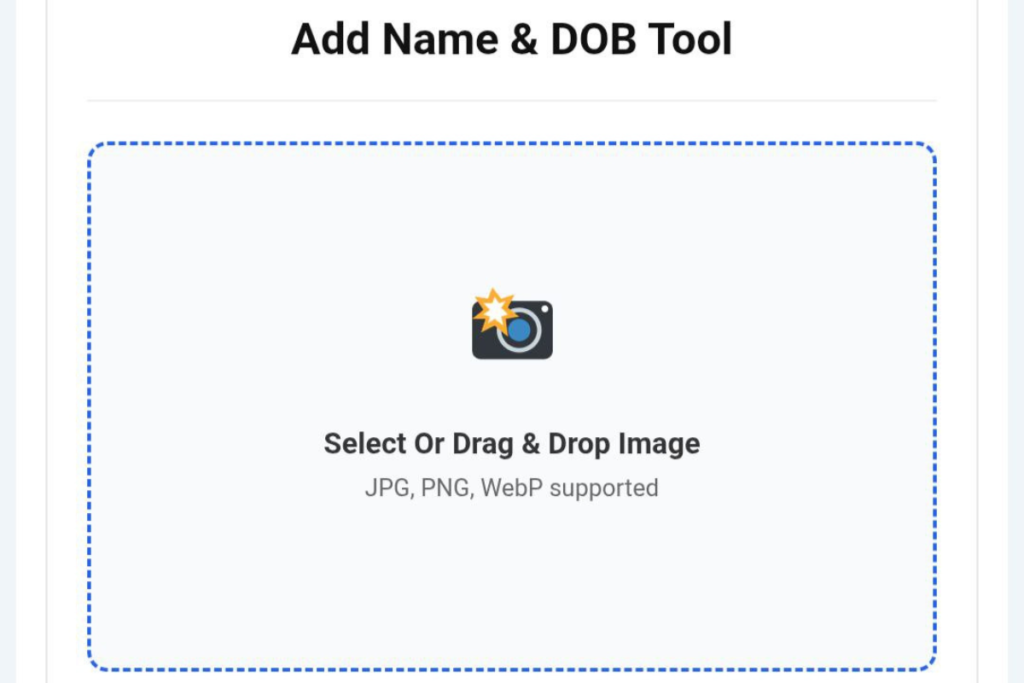
Add Name & DOB Tool
JPG, PNG, WebP supported
Crop Your Image
Note: Image is locked. Move or resize the crop box only.
Dimensions & Size
Add Text to Photo Online In today’s digital age, photo editing has become increasingly common. People love to add names, dates, or special text to their photos. Often, we need to add dates to photos, such as memorable moments, event photos, document photos, or social media posts.
If you want to add text to photos quickly and easily, an online tool can be very helpful. With such tools, you can write names and dates on photos without any complicated software.
The process is very simple and only takes a few steps. You simply upload your photo, customize the text, and then download the finished photo.
Step 1 Upload Photo Add Text to Photo Online
First, you need to upload the photo you want to add the name or date to. Most online tools have an Upload Image or Choose Photo button.
You can choose any photo from your mobile, computer, or tablet. Once you upload the photo, it appears on the editing screen.
In this step, it’s important to ensure your photo is of good quality so that the text written on it is clearly visible.
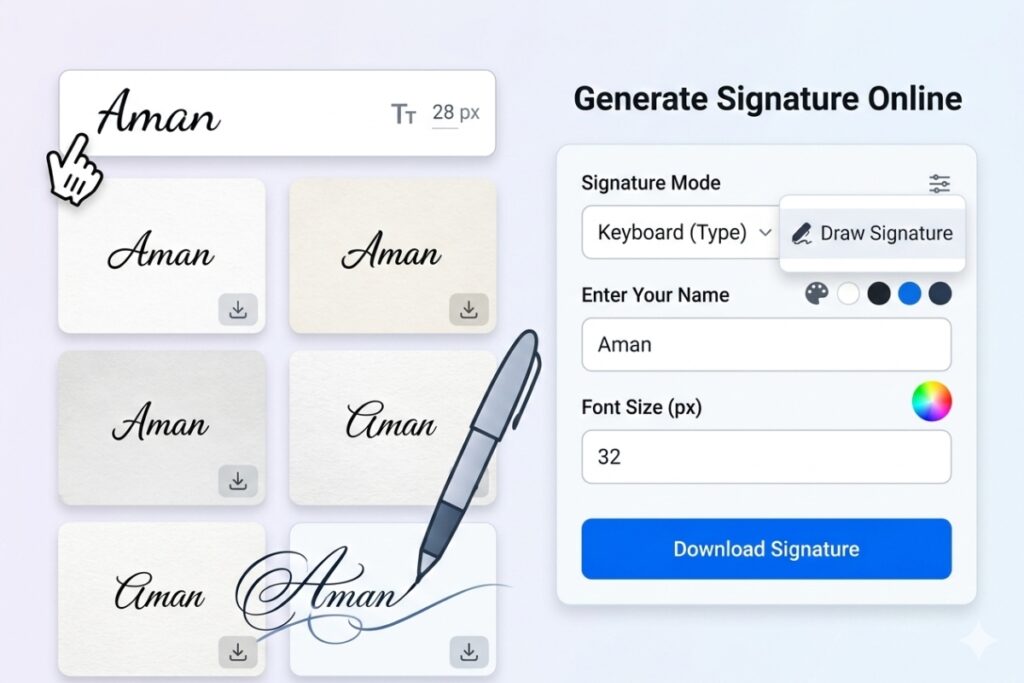
Step 2 Add Name and Date Add Text to Photo Online
Once the photo is uploaded, the next step is to Add Text to Photo Online . Here, you can write your name, the date, or any short message.
Whatever you write in the text box will appear on the photo. For example:
Your Name
Date of Birth
This makes the photo more personal and memorable.

Step 3 Customize the Text Add Text to Photo Online
Now you can customize the text to your liking. Most tools offer a variety of options, such as:
Changing the Font Style
Changing the Text Color
Adjusting the Text Size
Changing the Position of Text on a Photo
These options can help you make your photo more visually appealing. For example, you can choose white or yellow text so it stands out clearly on the photo.

Step 4 Download the Edited Photo Add Text to Photo Online
Once your photo is fully edited, the final step is to download it.
Usually, the tool has a Download button. Clicking this button instantly saves your edited photo to your device.
Now you can use this photo in many places, such as:
Social Media Posts
Photo Albums
Digital Cards
Document Photos

Benefits of Writing Names and Dates on Photos
Writing names and dates on photos has many benefits. The biggest advantage is that your photos become more memorable.
When a photo is dated, it’s easier to remember that moment in the future. Furthermore, if you share a photo on social media, the text on it makes it even more attractive.
Many people also add text to protect their photos. This creates a kind of identification mark on the photo.
Why Use Add Text to Photo Online Tools?
Many people nowadays use heavy software to edit photos, but online tools are much easier and faster.
You don’t need to install anything to use these tools. You can upload photos directly from your browser and edit them in seconds.
This method is both time-saving and easy to use.
Conclusion
Related Post :- Online Watermark Tool – Add Logo Instantly 10 Powerful Reasons Why You Should Use It Today
Writing names and dates on photos has become very easy these days. With a simple online tool, you can customize your photos in just minutes.
Just four easy steps – upload a photo, add text, customize it, and then download it.
This way, you can make your photos more attractive and memorable.