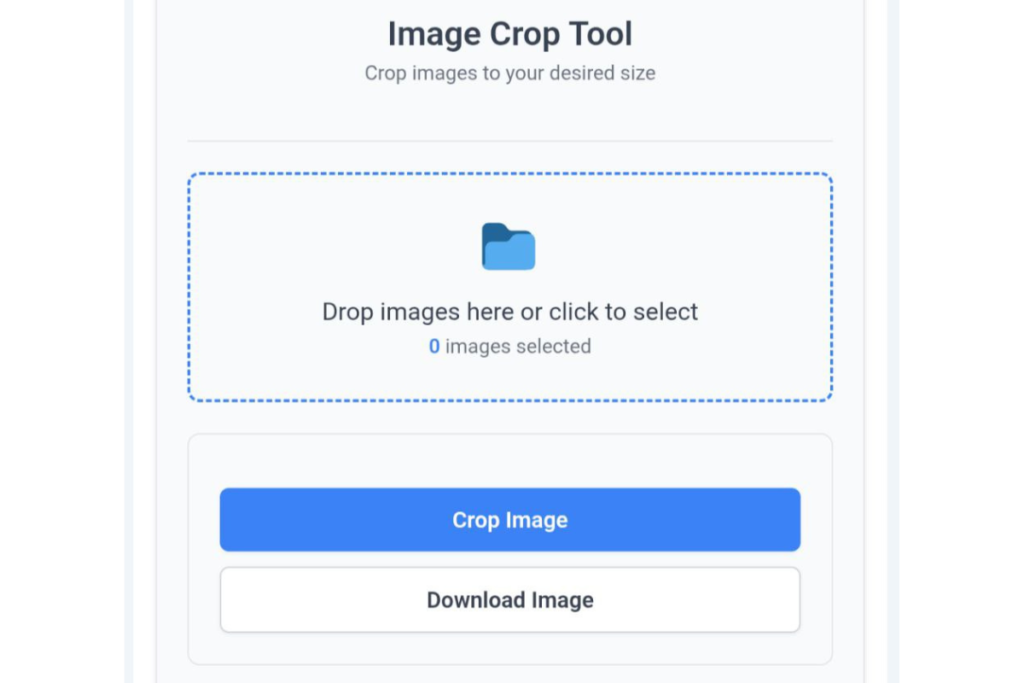
Professional PNG Cropper
Big dots for easy touch & precise size control
Crop PNG Images has become a very useful tool in today’s digital age. Images are used everywhere on the internet, including in websites, blogs, social media posts, online stores, and graphic design projects. Sometimes, an image has unwanted areas that need to be removed. In such situations, a PNG image cropping tool proves to be very helpful.
The PNG format is especially known for high-quality images and transparent backgrounds. However, when a Crop PNG Images has extra areas, it becomes necessary to remove them. The Crop PNG Images online tool is used to make this task easier.
This tool allows you to crop a PNG image directly in your browser without any software. You simply upload the image, select the cropping area, and download the cropped image in seconds.
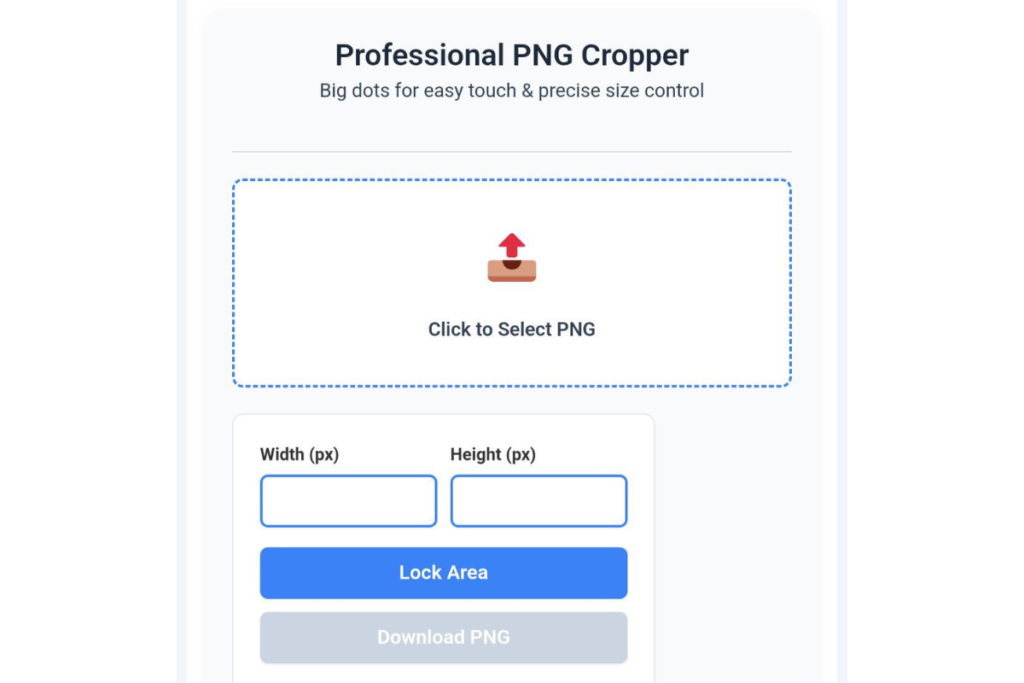
What is PNG Image Cropping?
PNG image cropping means removing unwanted parts of an image and keeping only the essential part. This makes the image more clean, professional, and useful.
For example:
Removing extra background from a product image
Creating the correct frame for a profile photo
Sizing the image correctly for social media
The PNG crop tool is very useful for all these tasks.
Why is it important to crop PNG images?
- Giving the image a professional look
Sometimes images contain unnecessary space or background. Cropping makes the image look clearer and more professional.
- Social Media Size Optimization
Social media platforms like Instagram, Facebook, and Twitter have specific sizes for images. Cropping makes it easier to reduce the image to the correct size.
- Important for Website Design
Correct sizing and framing of images on websites is very important. Cropped images improve website layout.
How to use the Crop PNG Images Tool?
The PNG cropping tool is very easy to use. You can crop an image in just three simple steps.
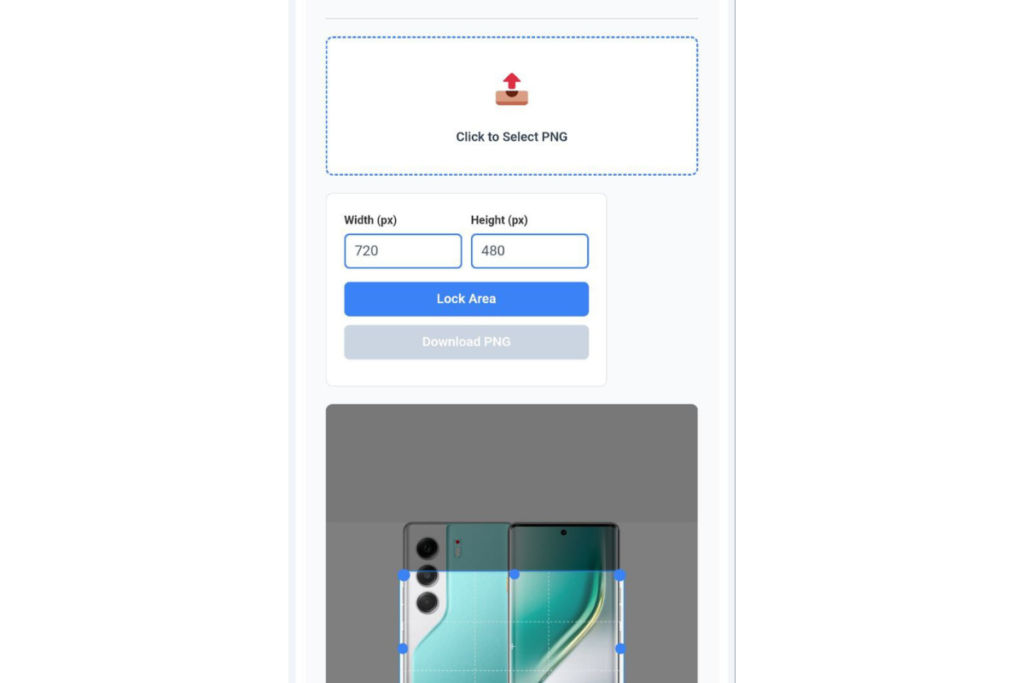
Step 1: Upload Your PNG Image
First, you need to upload your PNG image. To do this, you can click the “Upload Image” button or use the drag-and-drop feature.
Once the image is uploaded, the tool displays it within the editing interface, where you can begin the cropping process.
Step 2: Select the Cropping Area
Now, you need to select the specific portion of the image that you wish to keep. You can adjust the cropping frame by dragging it to fit your selection.
Depending on your requirements, you can choose from options such as:
Square crop
Rectangle crop
Custom crop
This step allows you to precisely select the exact part of the image you want to retain.
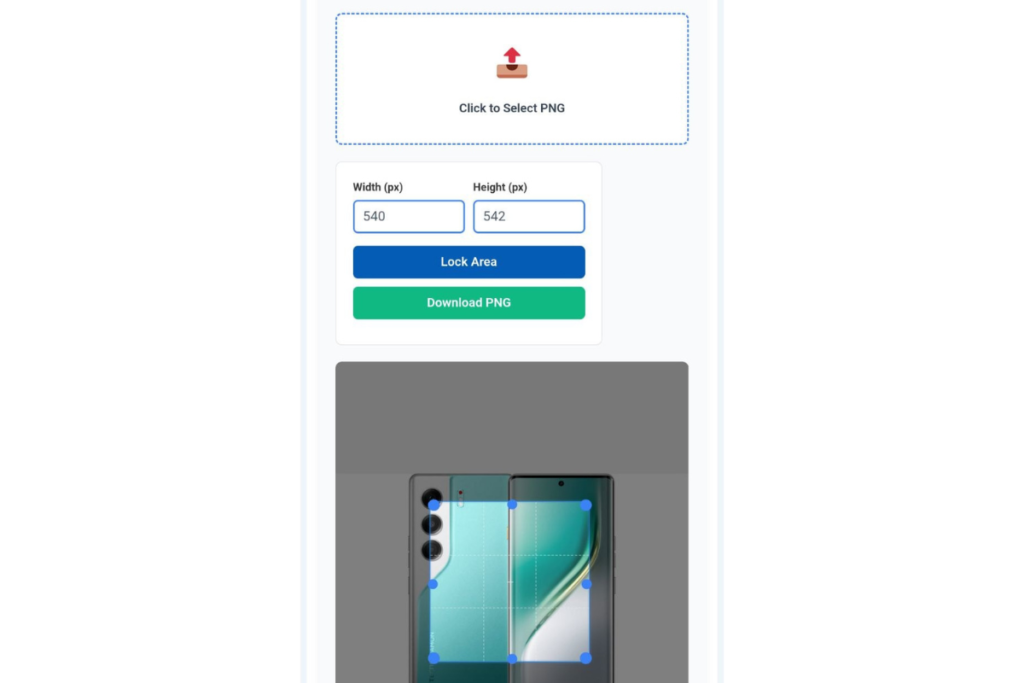
Step 3: Download the Cropped Image
After selecting the cropping area, you must click the “Crop Image” button.
The tool then crops the image according to your selected area, and within just a few seconds, the cropped PNG image is ready for download.
You can immediately download this image and use it in your project.
Key Benefits of the Crop PNG Images Tool
This tool is highly useful for several reasons:
Easy-to-use interface
Fast image processing
High-quality PNG output
No software installation required
Supports both mobile and desktop devices
Free online usage
Thanks to these features, this tool proves beneficial for both beginners and professionals alike.
Why is the PNG Format Popular?
The PNG format is extremely popular on the internet because it offers several advantages:
High image quality
Support for transparent backgrounds
Lossless compression
Ideal for graphic design purposes
For these very reasons, designers, bloggers, and developers frequently utilize PNG images.
Image Optimization for Websites and SEO
Image optimization is a crucial component of SEO. If images are not properly optimized, website loading speeds can suffer.
Cropping PNG images helps to:
Remove unnecessary areas
Reduce the overall image file size
Improve page loading speed
This, in turn, can enhance both the user experience and search engine rankings.
Conclusion
In today’s digital landscape, images are utilized across virtually every digital platform. Often, images contain extra space or unwanted backgrounds that need to be removed.
The Crop PNG Images tool offers a simple solution to this problem. With its help, you can crop PNG images quickly and easily. This tool is fast, simple, and user-friendly.
Related Post :- Image Crop Online 4 Easy Steps to Crop Any Photo Instantly
If you are a blogger, designer, developer, or content creator, this tool can prove to be extremely useful for you. It enables you to edit images in a professional manner, thereby enhancing the quality of your projects.