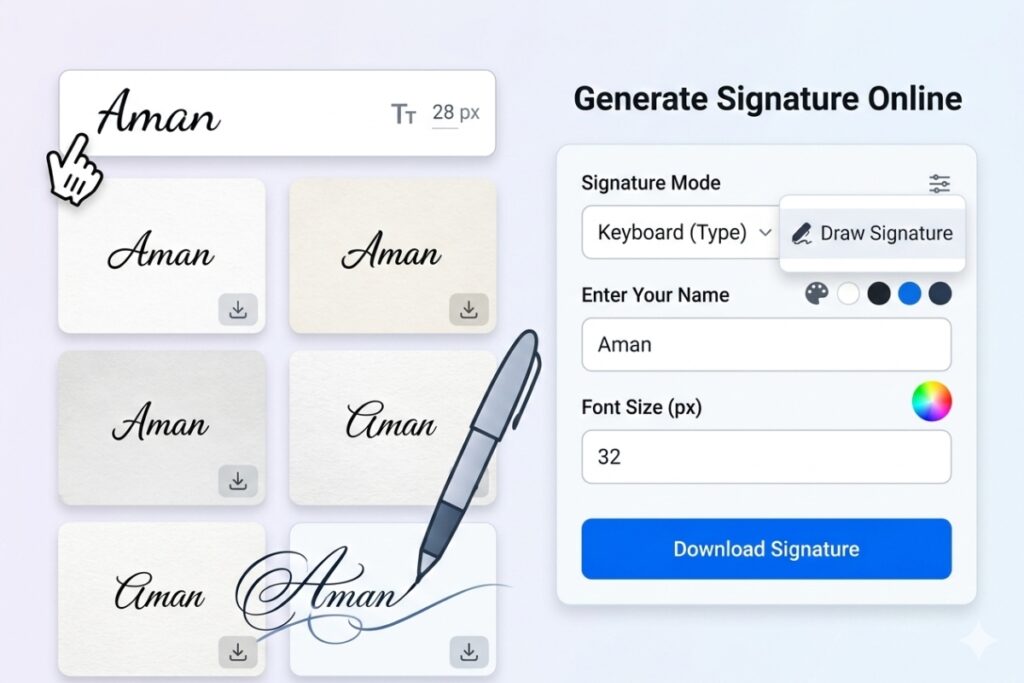
Professional Image Crop & Resize
Single click to open gallery
Resize Signature Nowadays, uploading a signature is required in almost every online application form. Whether it's an SSC exam form, a government job application, a college admission form, or a private company form, each has a specific signature size requirement.
People often face difficulties when the form states that the signature size should be 10KB to 20KB or that its dimensions should be 300x80 pixels. If the signature size is larger or smaller, the form won't submit.
The Resize Signature Online tool is very useful for solving this problem. With this tool, you can resize your signature to the correct size in just a few seconds. There's no need to download any software; simply upload the image and download it in the correct size.
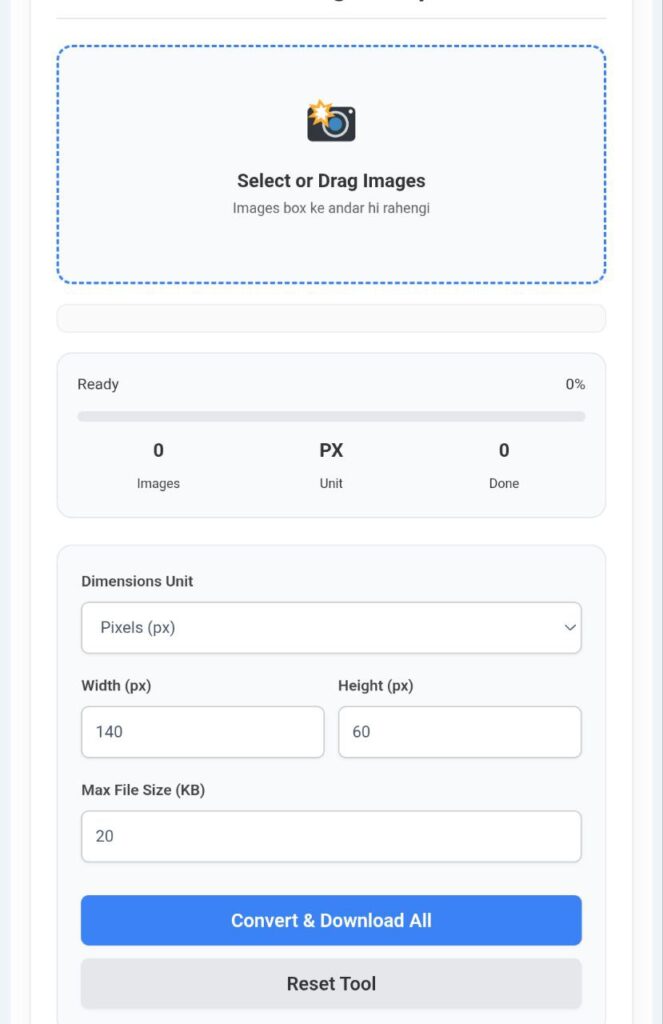
What is the Resize Signature Tool?
Resize Signature is an online tool that allows you to easily change both the file size and dimensions of your signature image. This tool is specifically designed for those who have difficulty uploading signatures to online forms.
With this tool, you can resize your signature between 10KB and 20KB, or even set a custom pixel size, such as 300x80 pixels, as needed.
The best part is that this tool is completely free and fast. After uploading the image, the resized signature downloads within seconds.
How to use the Resize Signature Tool?
This tool is very easy to use. You can resize your signature to the correct size by following the steps below.
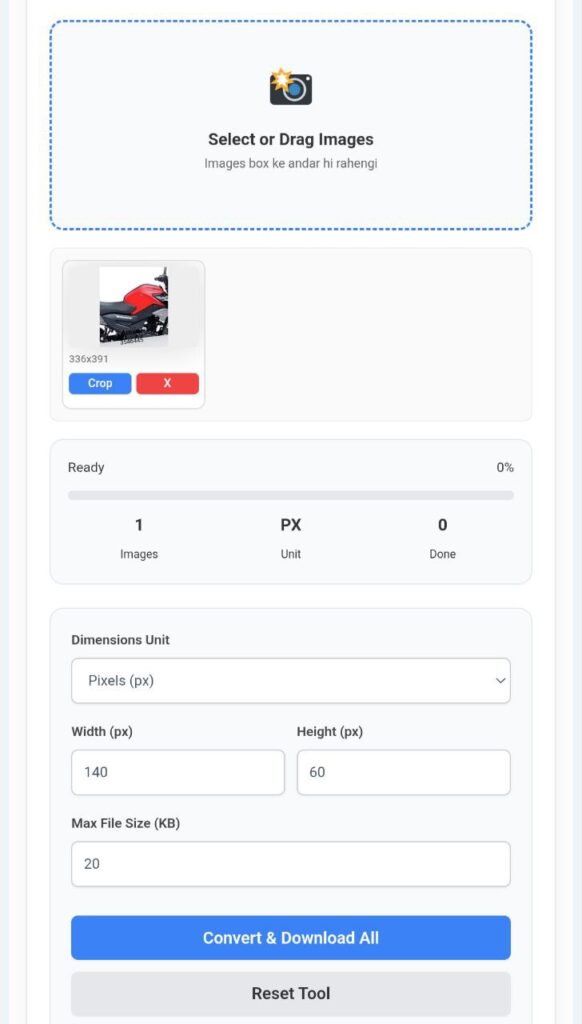
Step 1: Upload the Signature Image
First, you need to upload an image of your signature. This tool supports a variety of image formats, such as:
JPEG
PNG
JPG
WebP
Simply click the upload button and select a signature image from your device.
Step 2: Select Signature Size
After uploading the image, you need to choose the size of your signature.
You can set the size in two ways:
By File Size
Example: 10KB – 20KB
By Pixel Dimension
Example: 300×80 pixels
This feature is especially useful for SSC and government forms, as they require specific dimensions.
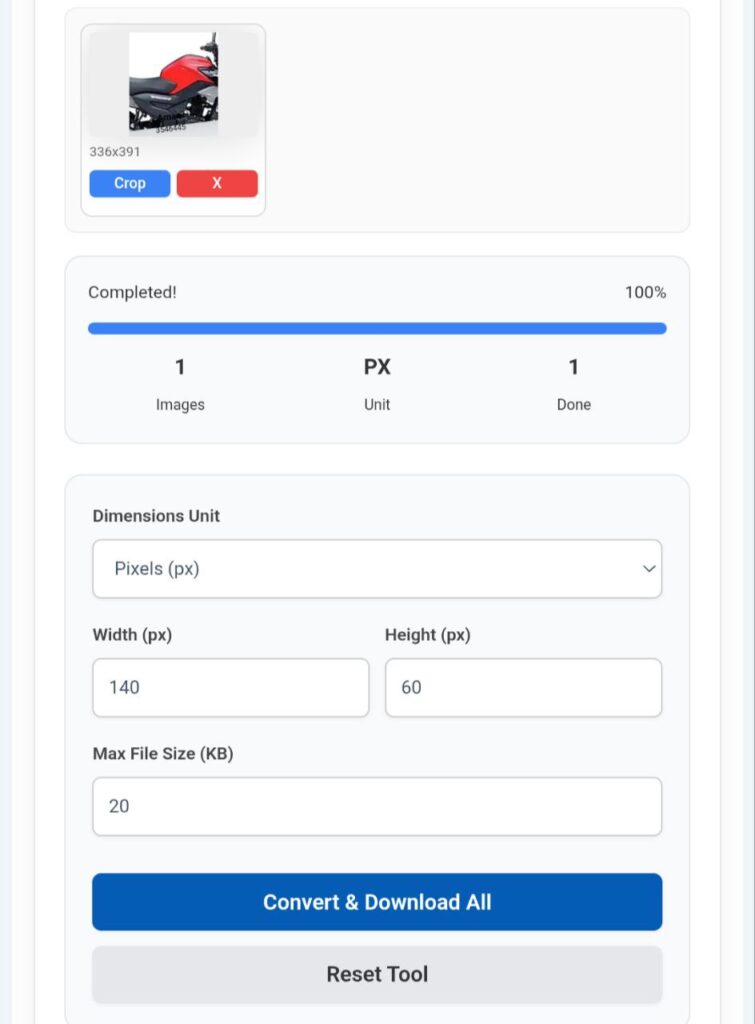
Step 3: Resize and Download
Now, all you need to do is click the Resize Signature button.
Your signature will be converted to the correct size within a few seconds. You can then download it and upload it directly to the online form.
Key Features of the Resize Signature Tool
This tool comes with several excellent features that make it even more useful.
1️⃣ Fast Processing
Your signature is resized in just a few seconds.
2️⃣ Multiple Format Support
You can upload images in multiple formats, such as JPEG, PNG, WebP, and JPG.
3️⃣ Custom Pixel Resize
You can resize the signature to 300x80 or any required dimension.
4️⃣ Crop Option
If there is extra space in the signature image, you can crop it to make it neater.
5️⃣ DPI Adjustment
Some applications have a minimum DPI requirement. This tool also helps you adjust the DPI.
6️⃣ Secure & Private
Your privacy is fully taken care of. Uploaded images are automatically deleted after some time.
Perfect Signature Size for Online Applications
These days, many online portals such as:
SSC Application Form
Government Job Portals
Banking Exams
College Admission Forms
Private Company Applications
All of these require uploading a signature, and often require a size of 10KB-20KB or specific pixel dimensions.
In such situations, the Resize Signature tool is a perfect solution as it creates the correct signature size without any hassle.
Conclusion
If you frequently encounter issues uploading signatures to online forms, the Resize Signature Online tool is a highly useful solution for you. This tool is fast, secure, and easy to use.
Related Post :- Resize Image in KB Online – Reduce Image Size to 20KB, 50KB, 100KB & 200KB Easily
You simply need to upload your signature image, select the appropriate size, and download the resized signature within just a few seconds. This will not only save you time but also make the process of filling out online forms much easier.